
Follow the instructions to purchase a natific certified UV calibration Tile.
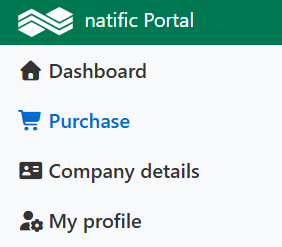
1. Click on Purchase:
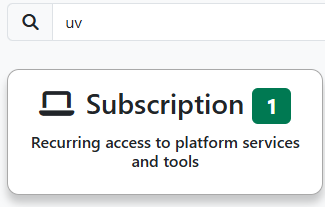
2. Search for "UV" and click on Subscriptions:
3. Click on natific:
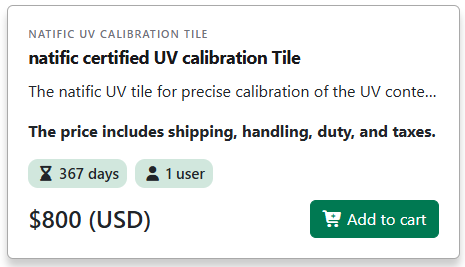
4. Select the UV Tile and click on Add to cart:
If you have additional products or services, please add them to your cart, or proceed directly by clicking Finalize Cart.
5. Select the user that should be assigned to the natific certified UV calibration tile, then click on Proceed to Checkout:

Note: Additional documents, like Sales Contracts, can be purchased via Additional Documents. For this service, we charge USD 45.

Kindly note that all natific invoices are already issued with both a company stamp and a signature at no additional charge.
6. Select payment method:

If you select Credit Card, the costs are 4%
If you select Bank transfer, the costs are USD 45 (use the SHA process (share the cost)) to pay the invoice.
Important: Unpaid or partially paid invoices may result in the suspension of your subscription services.
7. To check out, please click on one of the following buttons
Credit Card

Bank transfer
Before you officially complete the payment process, you can review the costs while choosing bank transfer or credit card within the Summary.
8. Indicate all your details for the credit card or bank transfer and finalize your purchase.
Important: All invoices will be sent within 2 business days. If you do not receive an invoice, please first contact your account administrator or the person responsible for invoicing within your company.
Delivery: You will receive the UV Tile within 1-3 week/s. The Air-Way-Bill (AWB) will be sent as soon as the UV Tile has been shipped.
Renewal of subscriptions
We update you 30 days before the subscription expires. Renewals are the client’s responsibility.
If you have a subscription (e.g. UV Tile) that will expire soon or has recently expired, you will see those subscriptions on the bottom right side of your "Dashboard" on portal.natific.com under the Reminder section. If you click on  it will add the product to your cart, and then you can open your cart to continue the checkout process as explained above.